Features to Increase Your Social Media Presence

In recent years, many social media influencers and online personalities have focused on well-known platforms like Facebook, Twitter and Instagram to make their presence known. Unfortunately, many have not embraced the wonders of Infographic to help boost their social media presence.
THE BASICS
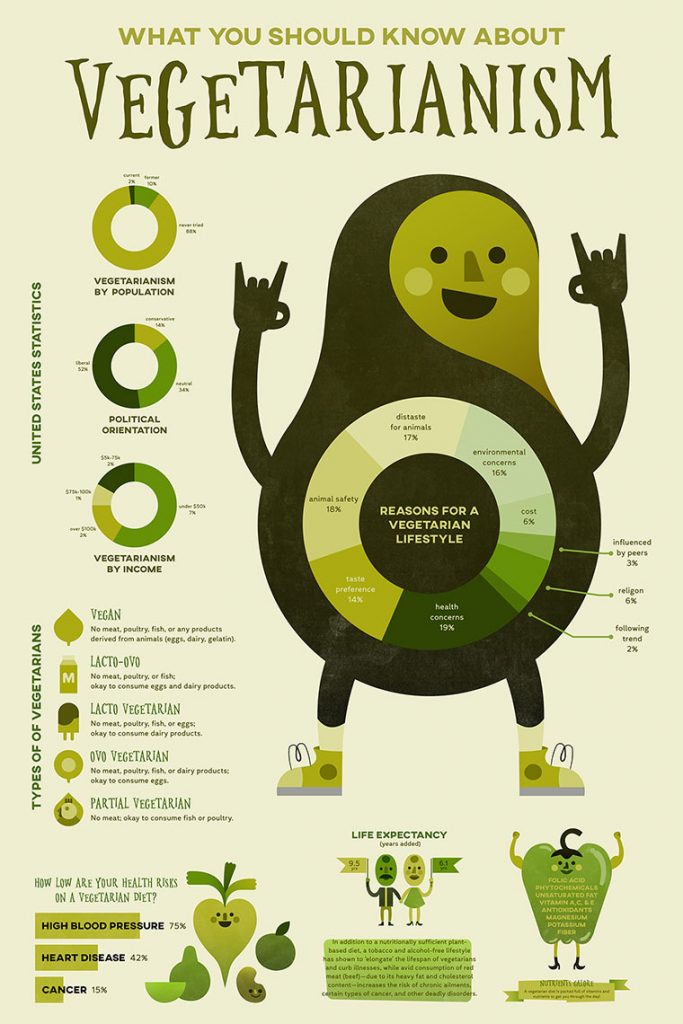
“What is an Infographic?” you ask, well, as the name implies, it’s a graphic/image that conveys information in an eye-catching and easy-to-understand way. Infographics can be used to liven up weather reports, simplify complex ideas like rocket science, or provide fun visuals for lifestyles like vegetarianism. (see Fig. 1).
WHERE CAN I FIND INFOGRAPHICS?
You can actually make Infographics using almost any kind of image/graphic program or app; however, if you are serious about them and want to make some high-quality infographics, then you can’t do better than using Canva. It is free to use (with limited features) and allows you to create stunning infographics in a very user-friendly environment.
WHAT ARE THE FEATURES OF INFOGRAPHICS?
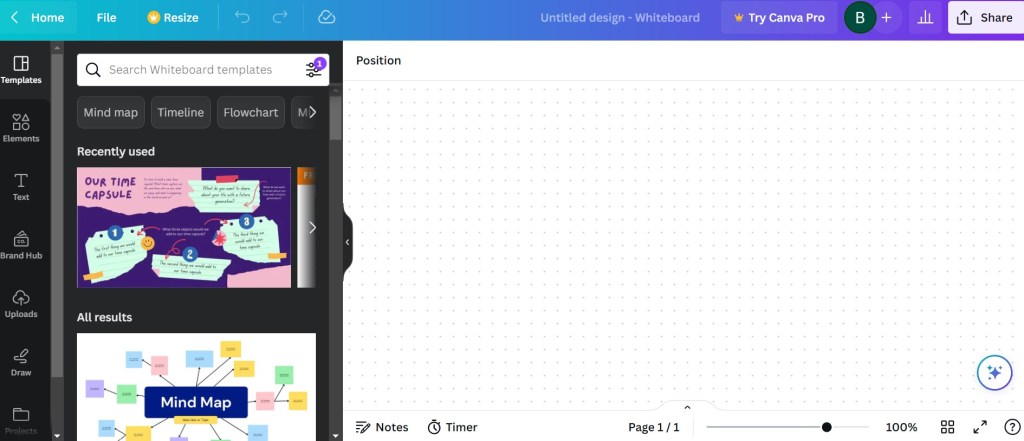
In Canva, like in many infographic programs, you can find numerous features to help you put together an amazing image, slide or document of any kind. In Fig.2 above, you can see some of the major features on the left-hand side of the screen.
You can choose from a number of templates to set the theme or backdrop of your document (many of these are free; however, if you want more options, you can sign up for Canva Pro).
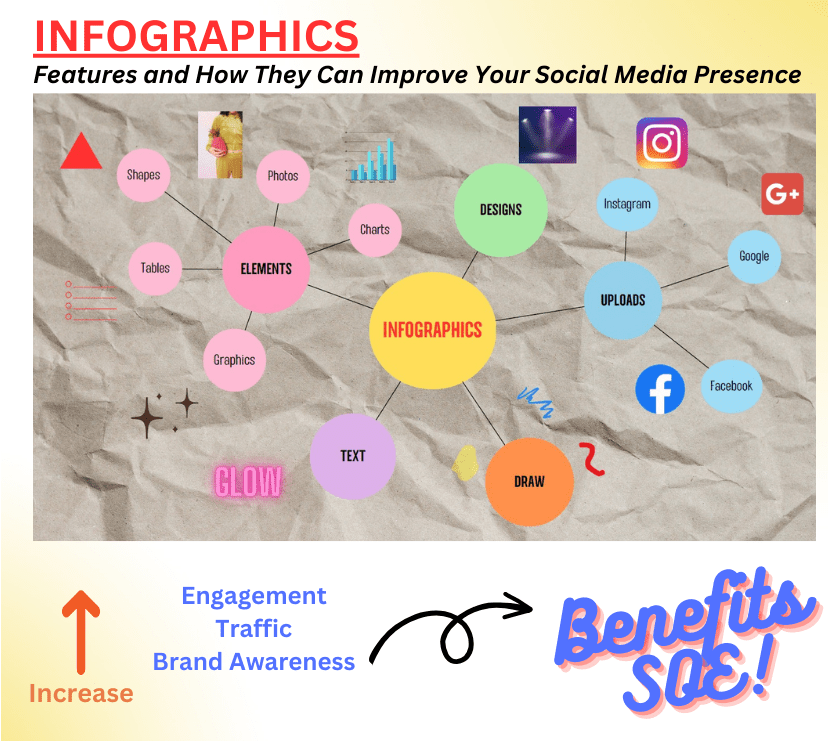
After you’ve chosen your template, you can add in elements including basic shapes, real-life photos, informative tables/charts, or stylized graphics (like emojis). These elements can be sized and coloured any which way you want to create a well-thought out cohesive theme.
Along with elements, you can add text (headings, subheadings, and blurbs) to explain what your elements represent. Text can be bright and flashy, or calm and subdued; either way, you’ll want to make sure it is easy for viewers to read.
Drawing is another major feature of Canva. If you can’t find a graphic you want, then you can make your own by adding your artistic flair.
When all is said and done, you can use the upload feature to drag and drop audio and video to really spice up your infographic, and connect to your accounts like Facebook or Instagram.
These major features of Canva infographics are summarized in my own infographic (Fig.3).
WHAT ARE THE BENEFITS OF INFOGRAPHICS?
Infographics are beneficial to all users who want to connect to their audience. They allow university professors to squeeze complex ideas into concise images for the benefit of their students. They can be used by office workers to convey complex ideas to executives who may not be familiar with the specifics of a product or concept.

For online users, infographics are a great way to tell stories, promote products, and connect with audiences. Combining your social media platforms with infographics will help to increase not only overall engagement (through likes/shares), it will drive more traffic to your platforms, and increase general awareness of your brand.
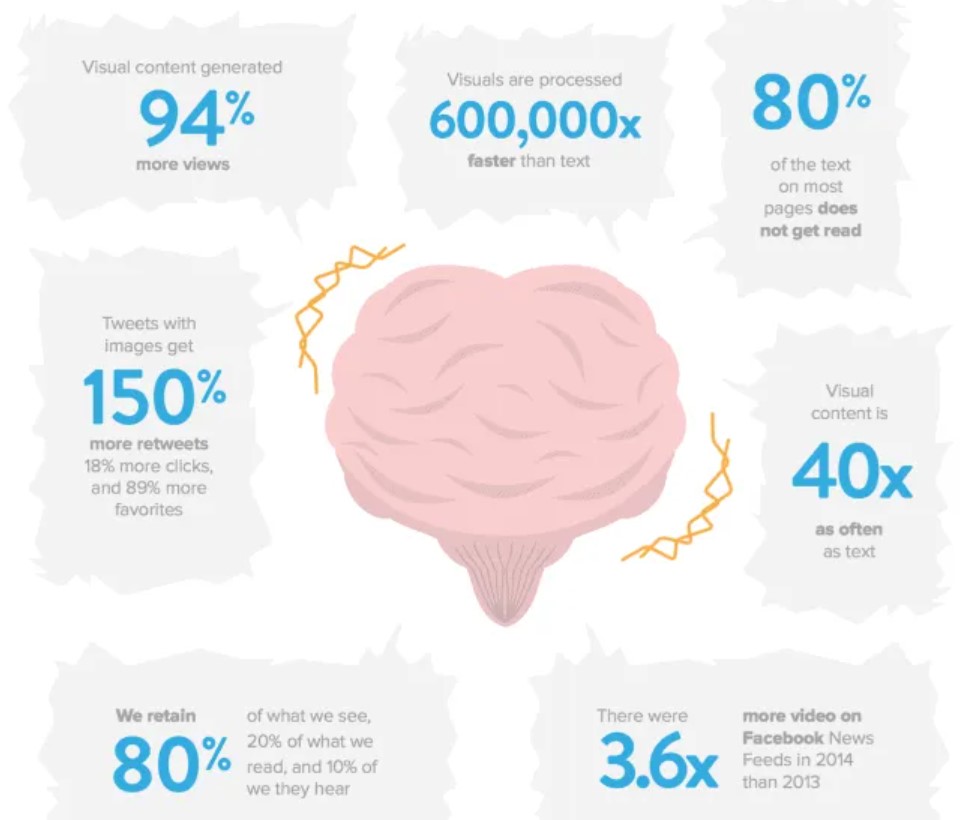
How? Infographics are visual, and as you are well aware, images are worth a thousand words. In fact, many articles have shown, including Fig. 4 below, that humans process visuals, like infographics, thousands of times faster than words.
Use the visually inclined nature of your audience to your advantage, employ the eye-popping features of infographics on your next social media post. Doing so will increase all facets of your online presence and eventually improve your search engine optimization (SEO) so more and more people will flock to your platforms.
———————————————————————————–
Check out my other blog posts to learn more about infographics and other practices to improve your social media game.
 EXSM 3989 - Digital Storytelling Class Blog